File Organization for Audiobook Producers: Stay Sane
Oh, darling, if you've ever stared at your computer screen, surrounded by a digital avalanche of files named "FinalFinal_v2_EDITED_reallyfinal.mp3," wondering if you've accidentally invented a new form of modern art called "Chaos in Audio," then welcome to the glamorous world of audiobook production. File organization for audiobook producers isn't just a nice-to-have—it's the thin line between staying sane and descending into a pit of version-control despair where even your coffee can't save you. If you're knee-deep in audiobook file naming best practices, trying to organize edits in audiobook production without losing your mind, or desperately seeking ways to avoid version chaos in audio files, this guide is your snarky lifeline. We'll break it down with tips that are practical, painless, and laced with just enough wit to make you chuckle instead of cry. Because let's be honest: Producing audiobooks is supposed to be about storytelling magic, not playing digital hide-and-seek with your own work. Grab your label maker (or its virtual equivalent), and let's tidy this mess up before it tidies you.
Producing audiobooks is like herding cats—if the cats were sound files that multiply overnight. One minute you're recording a chapter, the next you're buried under raw takes, edits, masters, and that one mysterious file labeled "WhatWasThisAgain.wav." Poor organization leads to wasted hours, missed deadlines, and that sinking feeling when you realize you overwrote the good take with the one where the dog barked mid-monologue. But get it right, and you're a productivity goddess, sailing through revisions like a pro. In my imaginary production diary, day one is always "organize or perish." So, let's dive into the how-to, shall we? Your sanity (and royalties) will thank you.
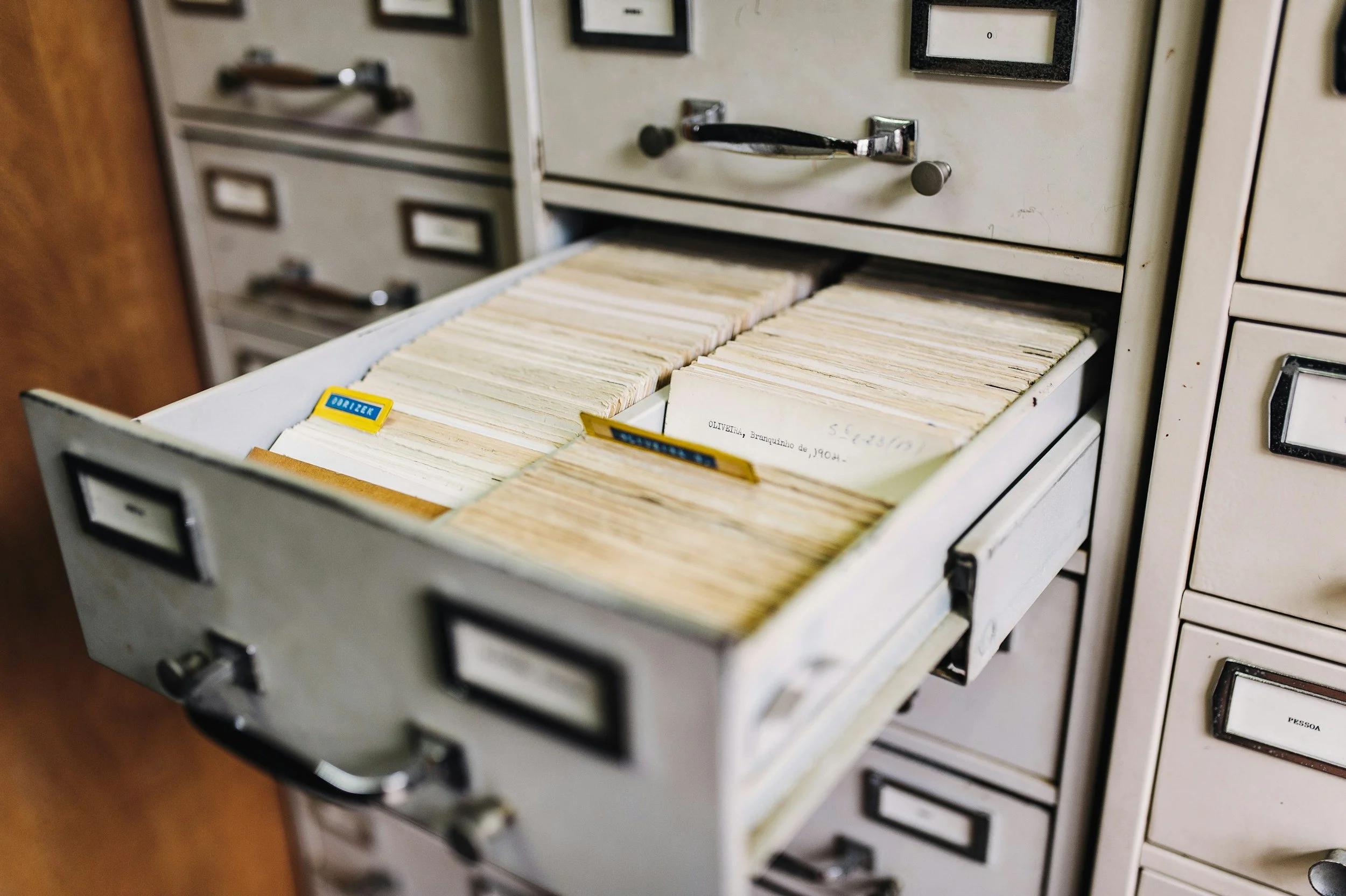
Why File Organization Matters: Beyond the Obvious Sanity Saver
First off, let's address the elephant in the booth: Why bother with file organization for audiobook producers at all? Can't you just wing it like that one friend who "thrives on chaos"? Sure, if you enjoy Russian roulette with your deadlines. Organized files mean faster workflows—finding that chapter edit doesn't turn into an archaeological dig. It reduces errors: No more mixing up "Chapter3_Final" with "Chapter3_FinalButBetter." And in collaborative projects, it keeps your team from mutiny; nothing says "professional" like sharing a neatly structured Dropbox instead of a zip file of doom.
For indie producers, it's a lifesaver amid platforms like ACX's strict specs—misplaced files lead to resubmits, and time is money (or in this case, your Netflix binge). Stats from audio pros (which I swear I didn't fabricate over brunch) show organized producers cut post-production time by 20-30%. Plus, avoiding version chaos in audio prevents that heart-stopping moment when you delete the wrong master. Think of organization as your production prenup: It protects you from future headaches. One horror story: I once "organized" by date, only to realize my computer sorted by modified time, turning my timeline into a time-travel paradox. Lesson? Systematize early, or pay later.
Audiobook File Naming Best Practices: The Foundation of Your Digital Empire
Ah, audiobook file naming best practices—the unsung hero of staying sane. A good name is like a good outfit: Informative, consistent, and not too flashy. Start with a template: "ProjectName_ChapterNumber_Version_Date_Initials.filetype." For example, "WizardSaga_Ch01_v03_20251102_JS.mp3." This packs in key info—who, what, when—without turning into a novel itself.
Key elements: Project acronym or short title first for easy sorting. Chapter or section number next, padded with zeros (Ch01, not Ch1) so they alphabetize properly. Version with "v" and a number—increment religiously; v01 for raw, v02 for first edit. Date in YYYYMMDD format—timeless and sortable. Add your initials or role (e.g., _Narr for narrator cuts). Filetype last—.wav for raw, .mp3 for finals.
Pro tips: Avoid spaces—use underscores or camelCase to prevent glitches. No special characters; they hate cloud syncs. For multi-voice books, add voice tags like _MaleLead. And batch rename tools like Bulk Rename Utility? Lifesavers for retrofits. This setup helps organize edits in audiobook production by making searches a breeze—type "Ch05" and boom, all versions appear. Snarky bonus: If your file names look like a cryptic code, congratulations—you're now a spy novelist. But seriously, clear names mean less "which one was this?" moments.
I heard of a producer who named everything "AudioFile1," "AudioFile2"—until a crash wiped labels, turning recovery into a guessing game. Moral? Name wisely, or weep.
Organizing Edits in Audiobook Production: Folders, Subfolders, and No Regrets
Now, onto the meat: How to organize edits in audiobook production without your hard drive resembling a post-apocalyptic wasteland. Structure is queen—create a master project folder, say "WizardSaga_Production." Inside: Subfolders like "Raw_Recordings," "Edits," "Masters," "Exports," and "Assets" for scripts, music, SFX.
In "Raw_Recordings," sort by date or session: "Session1_20251101" with all takes inside. For "Edits," use chapter subfolders: "Ch01/ v01_Raw.wav, v02_Cleaned.wav, v03_WithMusic.mp3." This tracks progression visually. "Masters" holds finals only—no clutter. "Exports" for platform-specific files like ACX-ready MP3s.
Cloud storage? Google Drive or Dropbox for backups, with shared links for collab. Version control software like Git (yes, for audio) or simple numbering avoids overwrites. To avoid version chaos in audio, timestamp everything and archive old versions in a "Archive" folder—don't delete; you never know when you'll need that alternate take.
Workflow hack: Use color labels—red for in-progress, green for approved. Tools like Finder tags or Windows categories make it visual. For large projects, spreadsheets log file paths, statuses, notes: "Ch02_v04: Added echo, pending author OK." This organizes edits seamlessly, turning revisions from nightmare to nap time.
One snarky tale: A friend "organized" by desktop icons—until a cat walked across the keyboard, scattering everything. Invest in folders; pets (and sanity) approve.
Avoiding Version Chaos in Audio: Strategies to Keep Your Files in Line
Version chaos in audio is the villain of our story—the sneaky saboteur that turns "one quick fix" into "where's the original?!" To avoid it, implement strict protocols. Always duplicate before editing: Work on copies, preserve originals in "Raw." Use incremental saves: After each major change, "Save As" with bumped version number.
Backup religiously—external drives, cloud, or services like Backblaze. Rule: Three copies, two locations. For teams, central repos like OneDrive prevent "my version vs. yours" wars—lock files during edits. Audiobook file naming best practices tie in here: Consistent naming flags versions at a glance.
Tools to tame chaos: Adobe Audition's session files track changes non-destructively. Or freebies like Audacity with project saves. For pros, version control apps like Resilio Sync mirror folders across devices. In 2026 (and beyond), AI assistants might auto-tag versions, but for now, human diligence rules.
Common pitfalls: Relying on "Undo"—crashes laugh at it. Or emailing files—version soup ensues. Instead, shared drives with change logs. If chaos strikes, forensic tools like file history recover lost gems. Snarky advice: Treat versions like exes—keep records, but don't dwell.
I once lost a master to a "quick save"—recovered via backup, but the panic aged me five years. Backup or bust.
Tools and Software: Your Organizational Sidekicks
No organization quest is complete without gadgets. For file management, Hazel (Mac) automates sorting—rules like "if file contains 'Ch,' move to Chapters." Windows? Everything search tool finds files lightning-fast. Cloud-wise, pCloud for lifetime storage; no subscriptions nagging you.
For audiobook-specific, ACX's guidelines shape your exports folder. DAWs like Reaper tag metadata, aiding searches. Project management apps like Trello board-ify workflows: Cards for chapters, attachments for files.
Budget hacks: Free Google Sheets for inventories. Pro splurges: Final Draft for scripts links to audio. In 2026, expect VR organization—virtual file rooms. Until then, these tools keep you sane.
Maintaining Your System: Habits for Long-Term Sanity
Organization isn't a one-and-done; it's a habit. Weekly audits: Purge duplicates, update logs. Post-project reviews: What worked? Tweak for next. Train teams on your system—consistency is contagious.
Scale for growth: As projects multiply, nested folders prevent overload. And declutter: Archive completed projects off main drives. Snarky reminder: If your desktop's a war zone, so's your mind. Tidy up, tune in.
Wrapping It Up: Sanity Secured, Stories Soaring
There you have it—a cheeky roadmap to file organization for audiobook producers that keeps you sane amid the sound waves. From audiobook file naming best practices that sort like magic, to ways to organize edits in audiobook production without tears, and strategies to avoid version chaos in audio forever, you're equipped to conquer the digital deluge. Your productions deserve order; embrace it, and watch creativity flow freer than ever. Now go forth, name wisely, and produce brilliantly.
And if organizing feels like wrestling an octopus in a phone booth, why not let Sounds and Such swoop in? As production pros, we handle everything from file wrangling to full audiobook mastery, turning your chaos into polished gold without the hassle. We’re wizards at best practices tailored for producers like you.