There is a moment in every long audiobook when the work stops feeling like performance and starts feeling like agriculture. Chapter after chapter, the same small weeds appear: a mouth click, a peak that kisses the limiter, a file whose loudness sits a hair above its neighbor. You can pull each weed by hand. You can also learn the difference between tending a garden and refusing to invent a hoe.
Batch editing for audiobooks is the hoe. It is not a way to stop listening. It is a way to stop repeating the same mechanical gesture so that listening—the part that actually requires a human—has room to happen. The aim is not speed for its own sake. It is a faster turnaround that does not cheapen the voice.
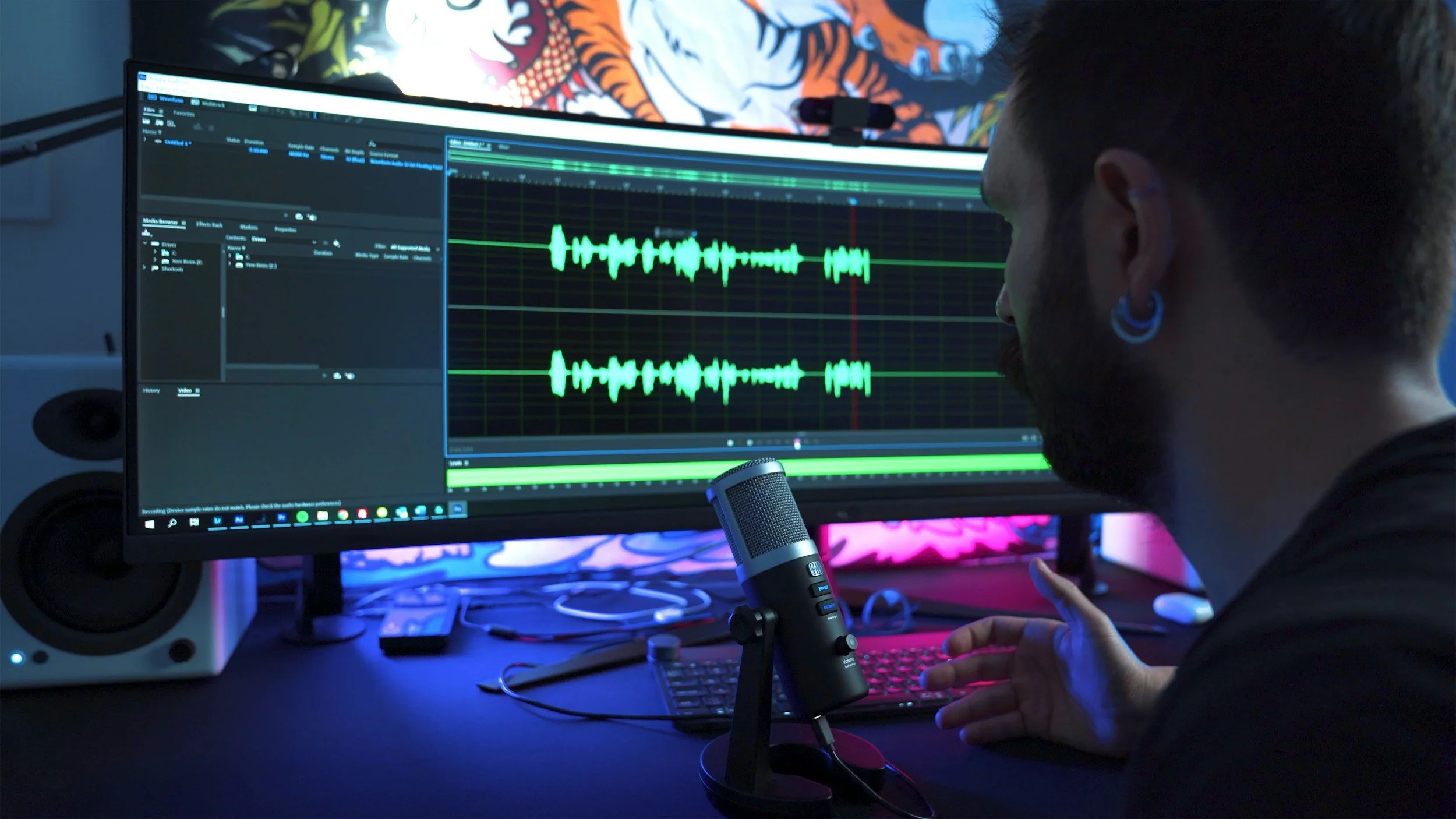
Why One-File-at-a-Time Stops Scaling
A finished hour of narration is not one file. It is raw takes, punch-ins, room tone, a retail sample, opening and closing credits, and a dozen chapters that must feel like they were recorded in the same room on the same day. Treat each as a unique snowflake and you will spend the week matching RMS values you already decided last Tuesday.
The mid-length book exposes the problem. At three finished hours, hand editing is merely tedious. At ten, it becomes a second occupation. Inconsistencies creep in not because you lack skill but because fatigue changes your standards. Monday’s de-click is gentler than Thursday’s. Batch processing tools for audio exist to make the standard a setting instead of a mood.
Streamlining audiobook post-production begins with a blunt admission: most of what you do to every file is the same. High-pass. De-click. Light compression. Loudness target. Export spec. The art is in the exceptions. Batch the rule so you can spend time on the exception.
Design the Chain Before You Touch a Chapter
Faster turnaround editing hacks fail when the chain is invented mid-project. Sit down once, with a representative chapter, and decide the processing order as if you were writing a recipe.
A typical narration chain is unglamorous and sufficient: a high-pass around 70–80 Hz to lift rumble; a de-clicker with conservative settings; a de-esser only if the voice needs it; gentle compression (a moderate ratio, slow enough not to pump); a limiter that catches peaks without flattening the read; loudness normalization to the platform target (for ACX-style delivery, think in the neighborhood of −23 to −18 dB RMS, peaks under −3 dB). Save that chain as a preset or a DAW template.
The Pollan-adjacent temptation—if one may speak of temptation in a compressor—is to add another plugin because you own it. Resist. Each extra stage is another place for a batch to go quietly wrong across twenty files. Complexity is not nuance. Nuance is knowing when not to run the de-esser on a chapter that has no sibilance problem.
Name the preset after the book or the narrator, not after your feelings. “Narrator_A_ACX_v3” will still make sense in six months. “WarmMagicFinal2” will not.
Templates, Regions, and the Shape of a Session
Before batching effects, batch the shape of the work. A session template with tracks already labeled—Raw, Edit, FX, Master, Room Tone—saves the five minutes you would otherwise spend rebuilding the same architecture. Markers for chapter titles, credits, and sample start/end mean you are not hunting through a waveform at midnight.
If your DAW supports region render or stem export, cut chapters as regions on one long timeline rather than opening twenty projects. Process the timeline, then explode to files. That is batch editing in the old sense: one decision, many outputs.
File naming belongs in the same family of tools. A scheme such as BookTitle_Ch03_v02.wav lets a script or a folder action grab every chapter without you dragging files like a croupier. Version numbers prevent the ancient tragedy of overwriting the good take with the loud one.
What to Batch—and What to Leave Human
Not every problem wants a machine.
Safe to batch, with a test file first: noise reduction that has been tuned on a noise print from that room; clip gain to a rough target; high-pass; mild compression; loudness normalization; sample-rate and bit-depth conversion; export to MP3 at a fixed bitrate; adding a second of room tone at head and tail if your spec requires it.
Leave for ears: breaths that are part of the performance; emotional peaks you might otherwise squash; a plosive that sits on a quiet word; a consistency check between character voices; anything that sounds “processed” when you A/B against the raw take.
iZotope RX and similar repair suites will batch de-click and de-hum across a folder. That is legitimate time travel. They will also, if you let them, sand the life off a performance. Run a module on one chapter, listen on headphones and on a phone speaker, then apply the same module to the set. If the tenth file sounds smaller than the first, your settings were too hungry.
Reaper users live in a world of actions and custom scripts; a single action can apply FX, glue, and render a folder of items. Audacity’s Chains (or Macros) will run a saved sequence on multiple files, which is enough for many indie workflows. Adobe Audition’s batch processor and match-loudness tools do the same with a more commercial interface. The brand matters less than the habit: process a copy, never the only master.
Loudness as a System, Not a Guess
Even volume is where batch work earns its keep. Measuring each chapter by ear guarantees drift. Measure once with a meter you trust (a LUFS or RMS meter that matches your delivery spec), set the target, and let the batch hit that target.
Then listen to the joins. A chapter that is “correct” on paper can still feel louder if the narrator leaned in for a whole scene. That is not a failure of the batch. It is the moment you intervene by hand—a trim on a region, a clip-gain ride—precisely because the rest of the book is already even. Streamline post-production by making the baseline automatic and the exceptions visible.
A Practical Sequence for a Multi-Chapter Book
Work in this order more often than not. Confirm room and mic have not changed. Assemble or confirm your template. Edit performance first—cuts, punch-ins, breaths you care about—without heavy processing. Save a “performance edit” version. Run the batch chain on those files or on regions. Spot-check three chapters: beginning, middle, end. Fix outliers. Normalize or match loudness as a last technical step before export. Export the set in one pass. Listen to the retail sample and the first minute of two later chapters on consumer speakers.
That sequence is a faster turnaround editing hack only because it refuses to mix artistic editing with technical repetition. You are not faster because you care less. You are faster because you stopped caring about the same knob twice.
The Hidden Cost of Going Too Fast
Batch processing tools for audio will happily apply a bad idea twenty times. A noise-reduction setting that makes one chapter “clean” can make another sound like it was recorded inside a vacuum cleaner. Always keep the unprocessed edit. Always A/B. Always test on the worst chapter—the whispered scene, the shouted scene—not the easiest.
There is also the cultural cost. If the chain is so aggressive that every book from your studio has the same squeezed midrange, you have not found efficiency. You have found a house sound that listeners will eventually notice as a house limitation. Leave headroom in the preset for the voice in front of you.
Attention Is the Real Scarce Resource
The argument for batch editing audiobook work is finally an argument about attention. The human ear is good at judging whether a line feels true. It is bad at remembering whether chapter nine’s noise floor matches chapter two’s after a long weekend. Machines remember. People decide.
Set up the machine to remember the rules. Spend the recovered hours on the line that does not yet feel true. That is how you streamline audiobook post-production without turning the narrator into a product of the preset.
If you would rather hand the whole chain—edits, batch processing, specs, and the final listen—to people who do this every week, Sounds and Such handles post-production from raw sessions to delivery-ready files. Visit soundsandsuch.com for a quote and spend your time on the part of the book that cannot be batched: the performance.